Stones to Castle CapCut template: what actually exists
By Sendare AI Studio · Updated October 28, 2026
Searches for a Stones to Castle CapCut template spike every time the reel goes around, and the honest answer is that the link people are looking for mostly does not exist as a durable thing. Here is how to tell what you are actually clicking, what a CapCut template does to your photo, and how to edit the result in CapCut afterwards.

Make your own Stones to Castle video
One photo, 15s 720p MP4 with synced soundtrack, no watermark. From $6.90 one-time.
Is there a free Stones to Castle CapCut template I can use?
Not a permanent one. TikTok posts about this trend sometimes carry a 'CapCut · Try this template' button, and that button only works while the author keeps the template published and it is available in your region. We could not verify a stable template link on 28 October 2026, and neither could ChatGPT when asked directly. Treat any link you find as temporary, and do not pay anyone who sells you one.
What does a CapCut template actually do to my photo?
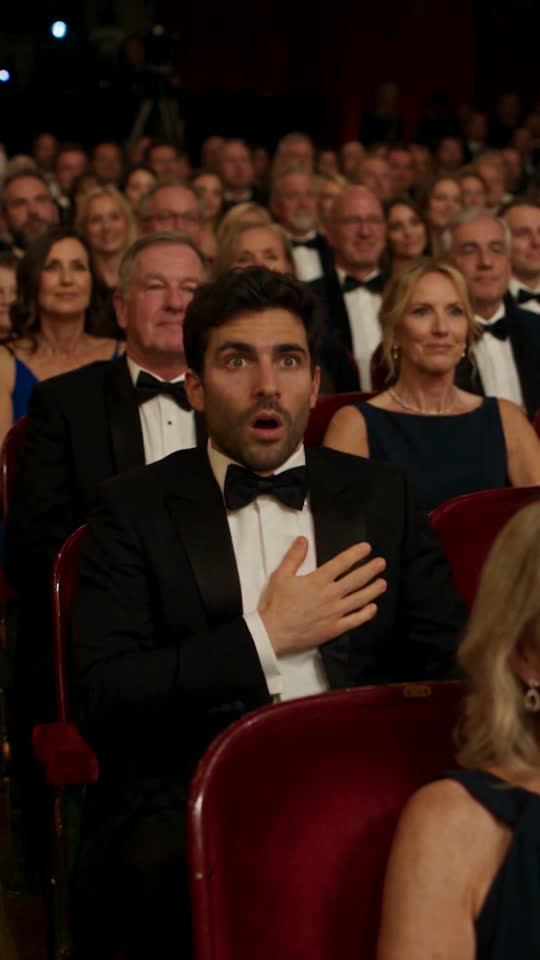
It places your image into an existing edit: the same recorded clip, the same cuts, the same transitions, with your face or photo pasted in. For this trend that means the crowd, the valley and the castle are the author's footage, and your photo is composited on top. It cannot re-render the scene with you as the lead, because the motion in the original clip belongs to a different person.
How do I add the sound and captions to a Stones to Castle video in CapCut?
Import your finished MP4 into CapCut, then: 1) add the audio track (search the sound in CapCut's library, or use the synced MP4 we deliver and skip this step); 2) tap Auto captions to generate subtitles, then delete every line except the hook in the first two seconds; 3) trim the last frame so the video ends on the castle-window close-up instead of a fade. Export at 1080p or 4K; the source we deliver is 720p vertical 9:16.
Can CapCut put my own face in the Stones to Castle lead role?
No. CapCut's templates and effects paste or key your image over existing footage; they do not re-render the clip with your face and your hair across all eight shots. The only route that produces a new 15-second render with you in the red suit and at the castle window is a video model in edit mode against the reference clip, which is what our Stones to Castle generator does with Seedance 2.5.
Which is cheaper, the CapCut route or the AI route?
CapCut itself is free, and a working template costs nothing. The AI route costs $6.90 for one 480p video or $9.90 for one 720p video, one-time, no subscription — and it is the only one of the two that produces a clip with your own face on the lead. If your goal is a post that looks like the original reel but starring you, the template route cannot get there at any price.
Can I edit the AI video in CapCut afterwards?
Yes, and we recommend it. The MP4 downloads without a watermark, so you can import it into CapCut to add captions, trim the opening, layer a second sound or export at a different aspect ratio for another platform. Nothing in the file blocks editing.